Dialing the Past, Resurrecting an Old 1940s Telephone
By Andri Ólafsson
Here is a look back at the multi-year journey my grandfather and I took to revive an old telephone first put into use around 1940. The phone was located at my grandfather's childhood home, Dvergasteinn in Reyðarfjörður; the phone number was 52.
Many family members lived in this little house, and over the years, countless words have flowed through this receiver—both joyous news and sorrowful tidings. Here are the family members who lived at Dvergasteinn.
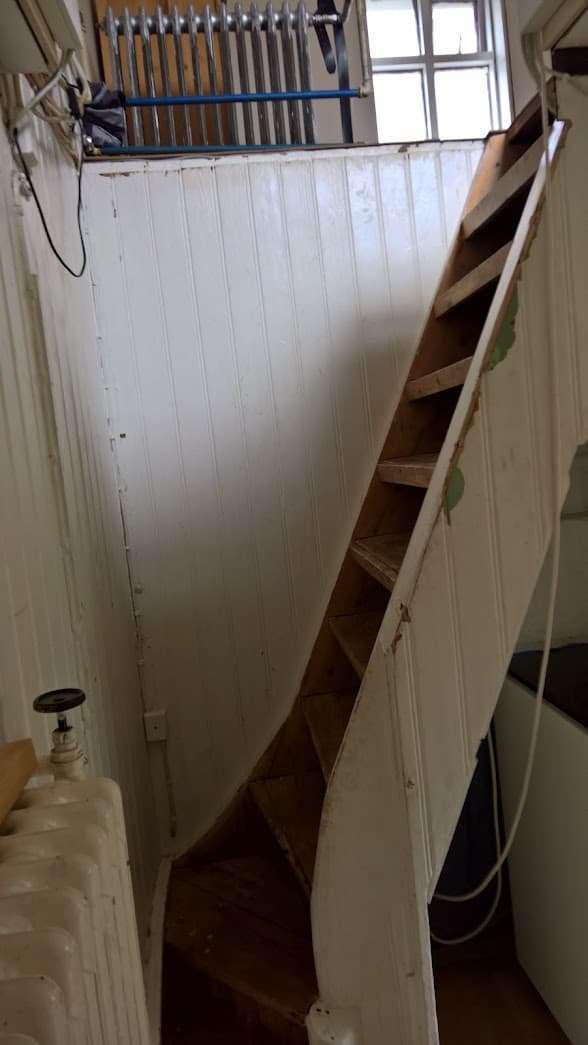
When Vigfús Ólafsson moved out of Dvergasteinn, the phone came with him, even though a new telephone network had taken over. Things can often be repurposed into something new and fun. I inherited this mindset from my grandfather.
This Western Electric Company phone is a deeply personal piece of our family history. My grandfather's sister, María, was a telephone operator, manually connecting calls for the community. My grandfather asked me to help him turn the phone into something fun. What started as a brainstorming session several years ago has finally become a reality.
When the receiver is lifted to the ear, a recording plays where my dad's sister, Valgerður, tells the story of the phone. And when you turn the original crank, the phone rings exactly as it did nearly eighty years ago.
1. The First Iteration: Trouble with Arduino and C++
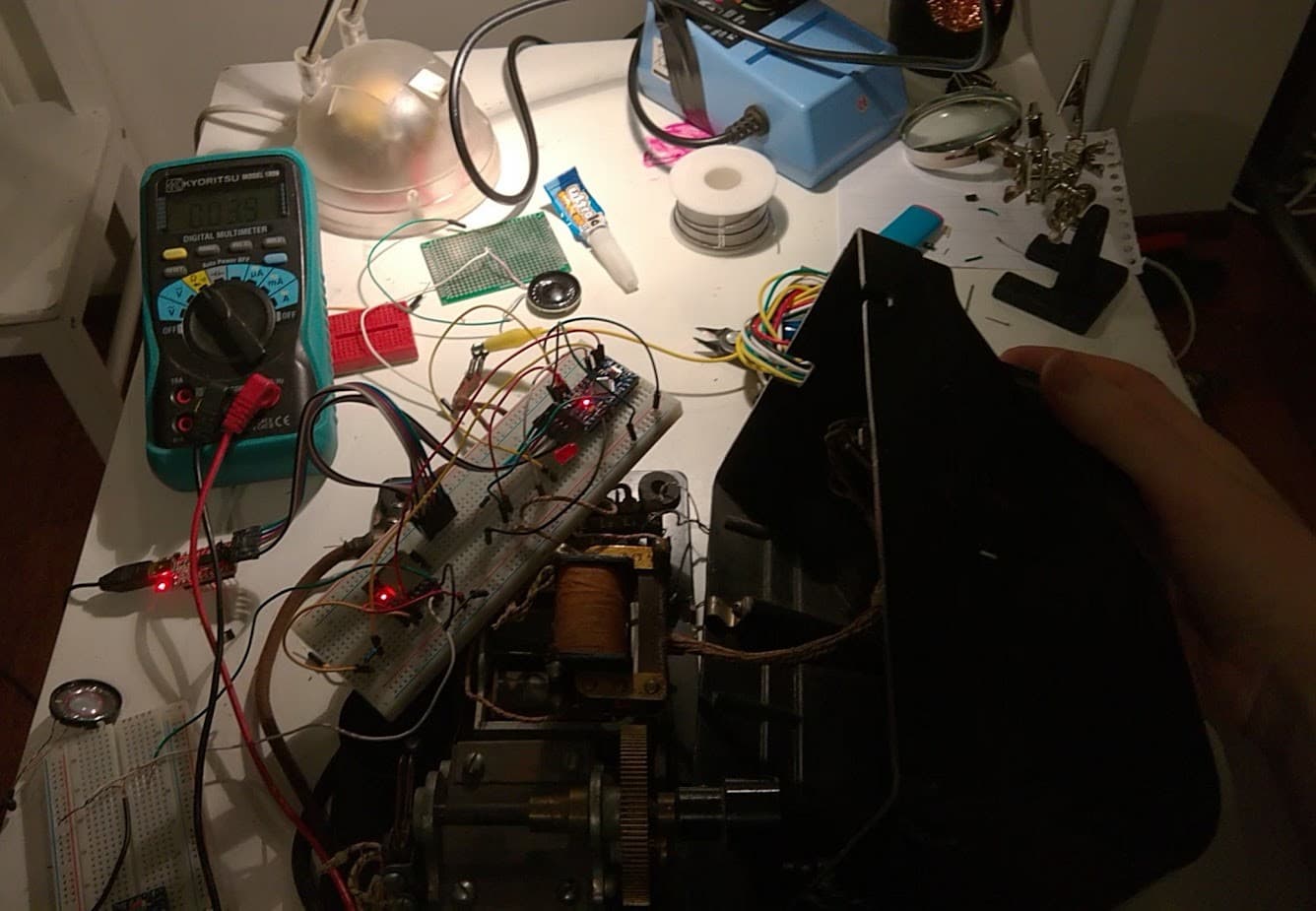
Before I landed on the final Raspberry Pi design, I actually started the project using an Arduino microcontroller paired with an MP3 module. I wired a speaker, the Arduino, and the MP3 module to a breadboard and managed to play a test audio clip when a button was pressed. I got an LED to blink when the receiver was picked up. The Arduino environment, however, quickly became a massive hurdle. This was before the era of AI models writing all the code for you. I found myself wrestling with too many cryptic C++ errors, library conflicts, and memory management issues. There was a lot to figure out for this project, and my time wasn't well spent fighting a programming language I wasn't used to. I had a Raspberry Pi lying around that I had bought a few years prior.
I had to weigh the pros and cons of these approaches:
- Arduino Pros: Zero latency, no OS overhead, highly reliable.
- Arduino Cons: Difficult audio processing, exhausting C++ debugging for this specific use case.
- Raspberry Pi Pros: Python makes audio processing and GPIO logic incredibly simple.
- Raspberry Pi Cons: Longer boot times, higher risk of operating system hiccups.
Simplicity won out, and I decided to pivot.
2. The Components and First Iteration.
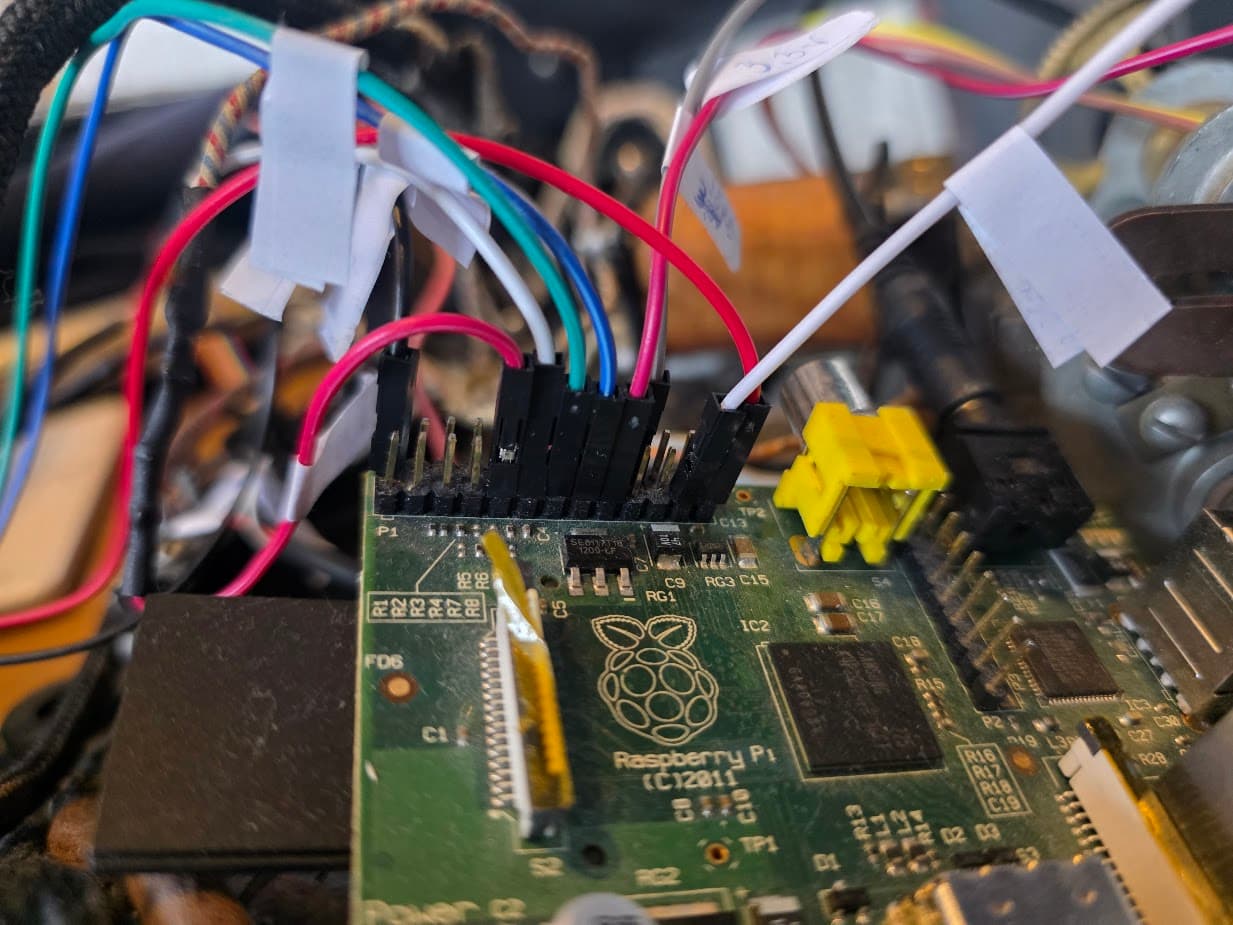
The new brain for the project became a 2011 Raspberry Pi Model B (Revision 1), which brought its own "vintage" challenges.
The Bells
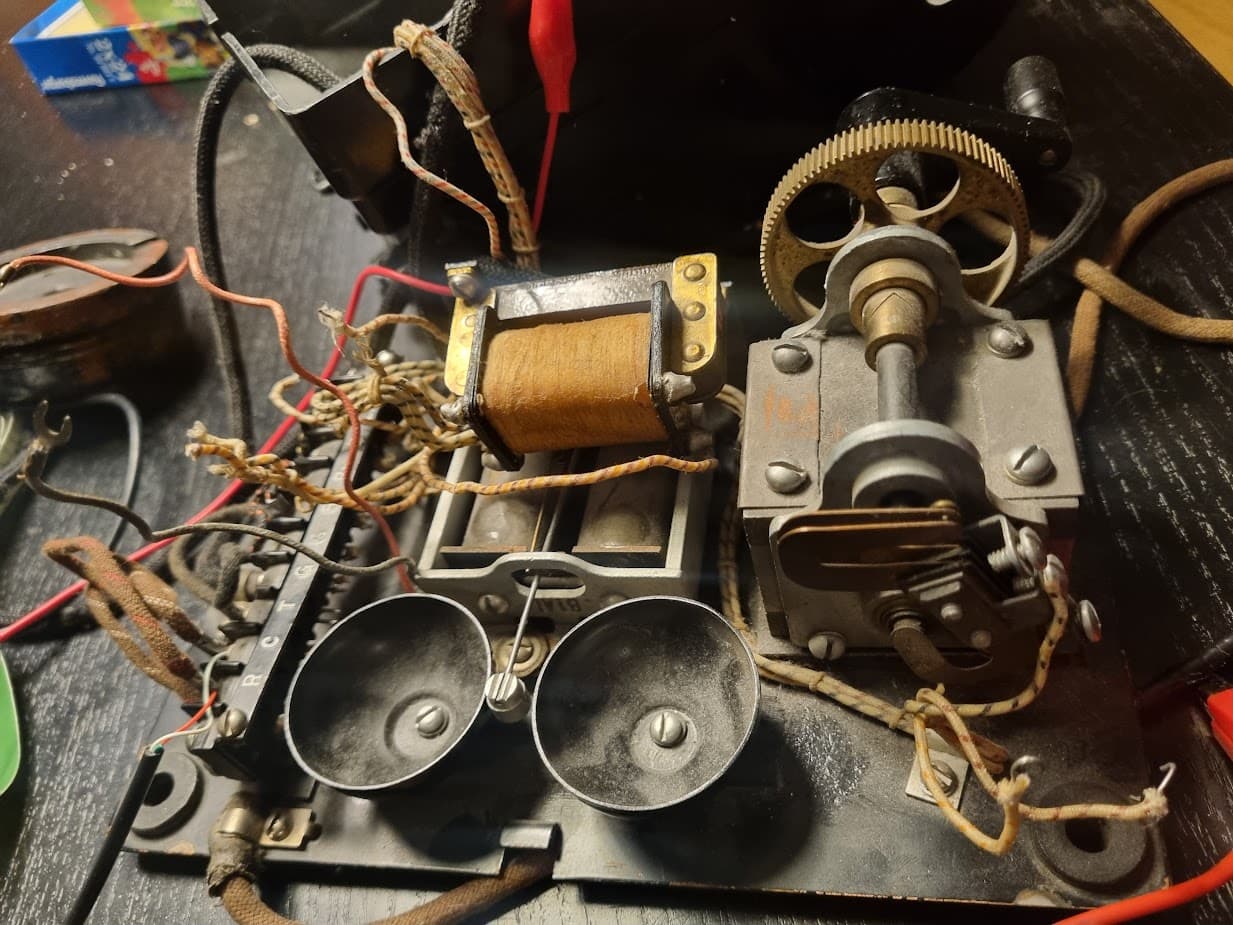
This phone has a physical bell, no digital nonsense. The old telephone network ran on 90-100V, and the voltage was alternated to reverse the magnetic field in the coils. By reversing the polarity of the magnetic field, the clapper swings back and forth, striking the bells. Back in the day, the crank was turned, and the "Magneto" produced a signal that alerted the operator (Short, long...?).
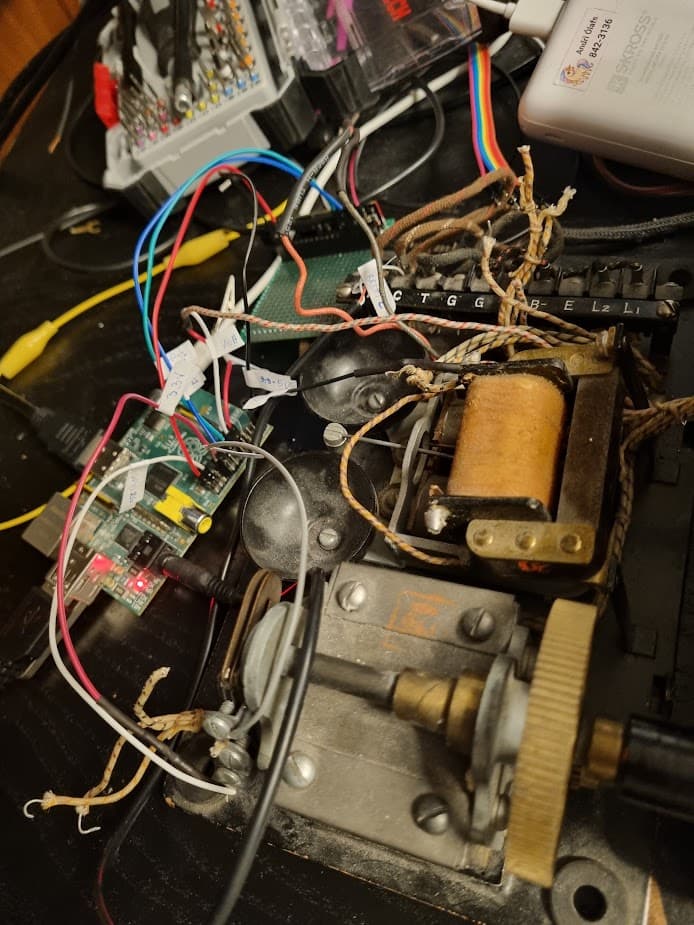
It was quite a challenge finding a way to generate a 90V AC signal for the bell; I googled myself completely out of my mind. I searched for DC step-up converters capable of producing roughly that voltage, intending to use an H-bridge to generate the ringing signal.
I couldn't find anything compact enough to fit inside the phone, and I definitely didn't want to build an external box. I eventually stumbled upon the Silvertel AG1171 module on the electronic component site Mouser. It's a tiny module specifically designed to generate a 90V AC ringing signal. You can actually use these modules to build your own local telephone exchange, putting one module in each phone.
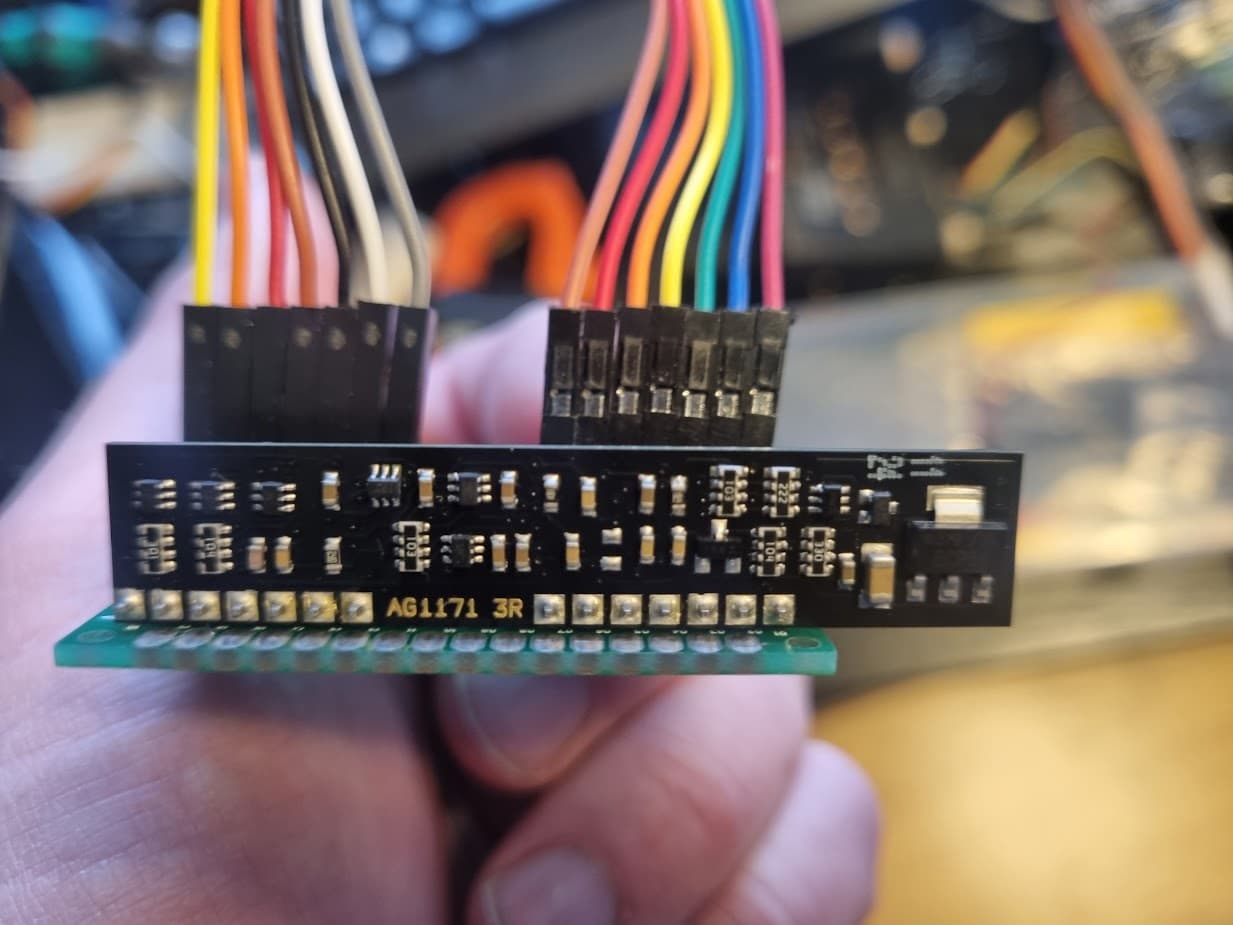
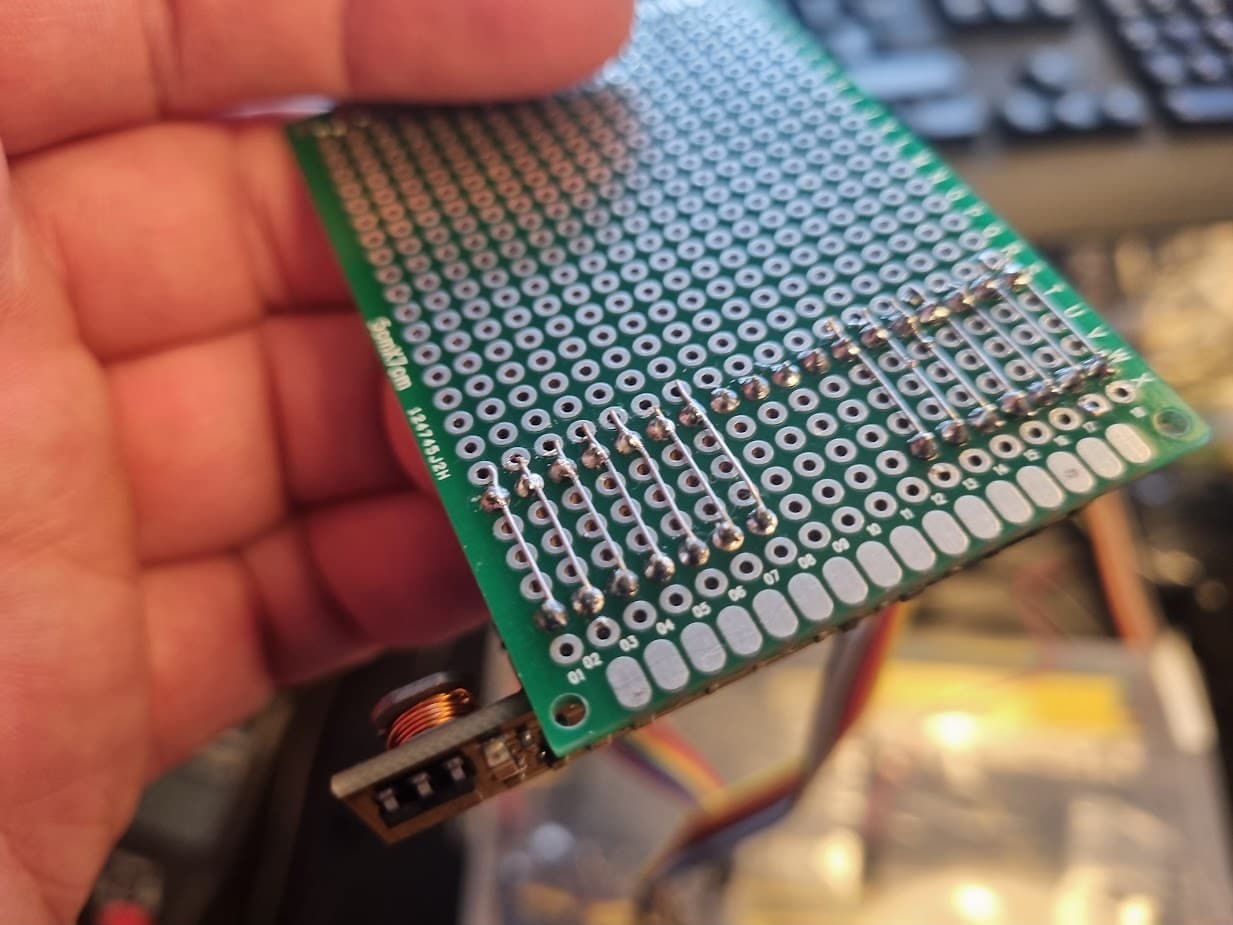
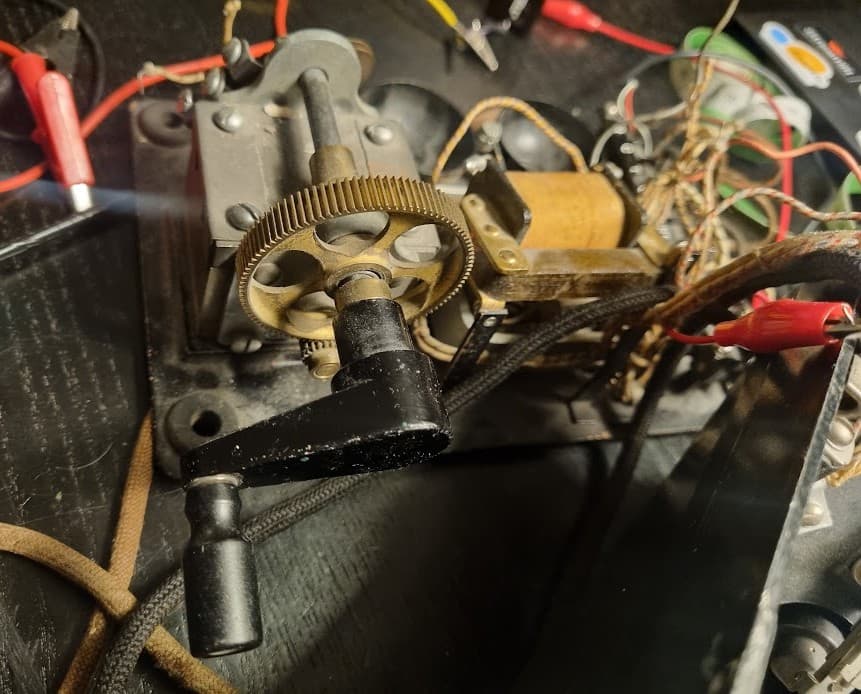
Instead of using the hand crank the way it was originally used (to ring the exchange), I wired two contacts on it to detect when a user started turning the crank. That action triggers the phone to ring. The contacts were wired to the GPIO with a pull-down resistor, which signals the AG1171 to output a 20Hz ringing rhythm at 90V.
The Audio Connection
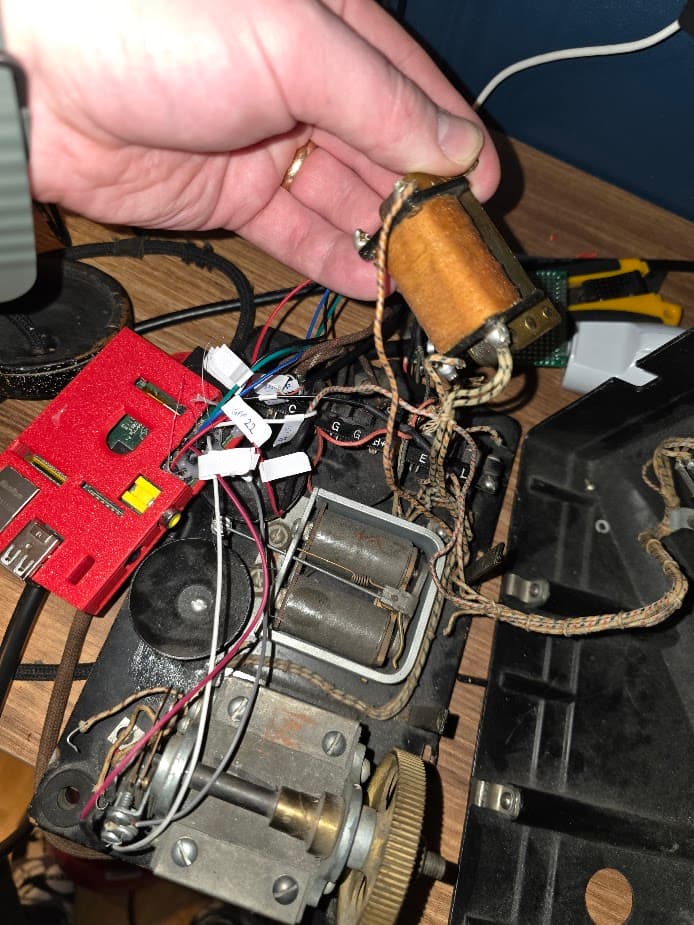
I cut an aux/jack cable off an old pair of headphones, plugged the jack into the Raspberry Pi, and wired the other end directly to the original speaker inside the receiver. You get this absolutely perfect, natural "crackling" effect coming through that ancient speaker.
3. The Code in Simple Terms
At one point during the first iteration, the Python code was around ~400 lines. I ended up rewriting functions and simplifying the logic. The final version clocked in at about ~200 lines.
I rely on threading to monitor all the GPIO pins. Then I use pygame.mixer to play the MP3 files (I had previously tried using "alsa", "python-vlc", and "simpleaudio" with mixed results).
The main events are:
- Receiver Lifted (Off-Hook): When the receiver is picked up, the code stops any ringing, waits for 500 milliseconds (roughly the time it takes to bring the receiver to your ear), and plays the audio file.
- The Crank (Magneto Trigger): If the receiver is resting on the hook and the crank is turned, a background thread fires up the
ring_loop. This alternates the Forward/Reverse pins on the AG1171 at 20Hz to reverse the magnetic field in the coils, which slams the clapper against the bells.
4. The Final Polish
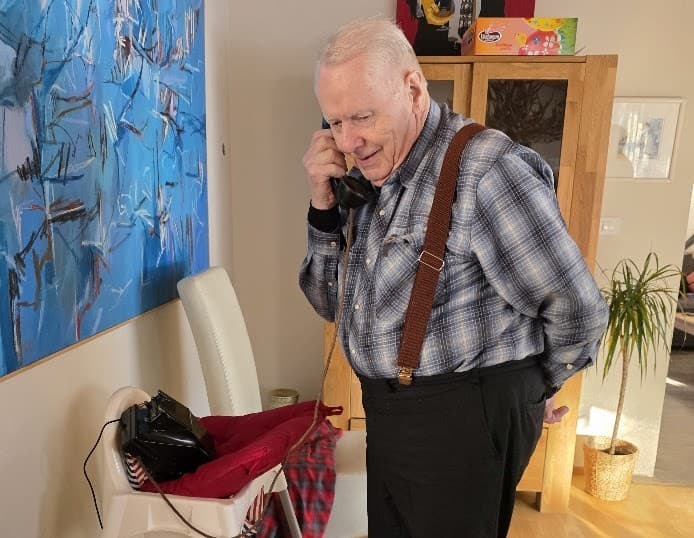
After years of tinkering, debugging, and waiting, I felt a profound sense of relief to finally finish this, and it filled me with joy to hand the receiver over to my grandfather. The project is complete, and the history of Dvergasteinn is safe on the line.
5. Lessons Learned
I am using a Raspberry Pi Revision 1; version two came out just 6 months later. Both boards were sold under the name "Raspberry Pi Model B." This caused some headaches because I was referencing a Revision 2a pinout diagram. There were a few routing changes between them (pin 21 was moved to 27). I lost quite a few hours trying to figure out why absolutely nothing happened when I turned the phone's crank. During debugging, I simplified the code to test just this one scenario, wired a button to pin 27, and still, nothing happened—which pointed to a deeper underlying cause. Pro tip: Always check the exact specs and find the serial number on your hardware when looking up pinouts.
- The "Sneakernet" Workflow: Because this 2011 Pi had no Wi-Fi, and my laptop hasn't had an ethernet port in years, I opted to transfer code back and forth via a USB stick, manually mounting it via the OS every time I wanted to test new code. Once everything was fully wired up, I ended up just placing the phone next to my router and plugging it in. In hindsight, I really should have just bought a modern Pi with Wi-Fi for ~15-20k ISK. The time saved would have paid for itself instantly.
- Audio Playback: Sometimes absolutely no audio would come out of the receiver, or even from standard headphones plugged into the jack. It turns out if an HDMI cable was plugged into the Pi, it aggressively defaulted to HDMI audio output. You have to force the default settings in the system config.
- The Voltage Drop: Originally, I powered the ringing module directly from the Pi's 5V rail. The current draw during a 90V ringing cycle caused such a massive voltage drop that it corrupted my SD card. Thankfully I had my code on Git, but I still had to reinstall the entire OS from scratch. It is so easy to take a snapshot of these tiny operating systems; having a ready-made image backup would have saved me some time.
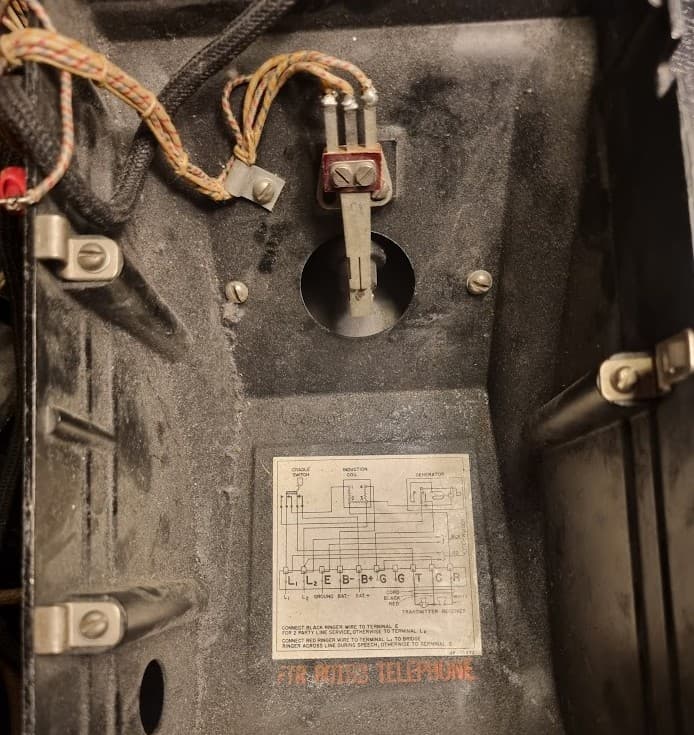
- Contact Noise: The 80-year-old blade switches inside the phone were incredibly "bouncy". I had to implement a 200ms software debounce in Python to prevent the audio story from restarting from the beginning every single time the receiver wiggled in its cradle.
- Systemd: I set up a systemd service to run the Python script. Now, the moment the RPi gets power, it boots up, automatically launches the program, and begins monitoring the switches in the background.